STEP 01
ABC qualifies the resident’s request
Need, location, timing, and relevant service details are collected before any member is contacted.
How members use ABC
Members set a few broad preferences once. ABC qualifies each community request, calls one appropriate member, and waits for a real yes before making the appointment.
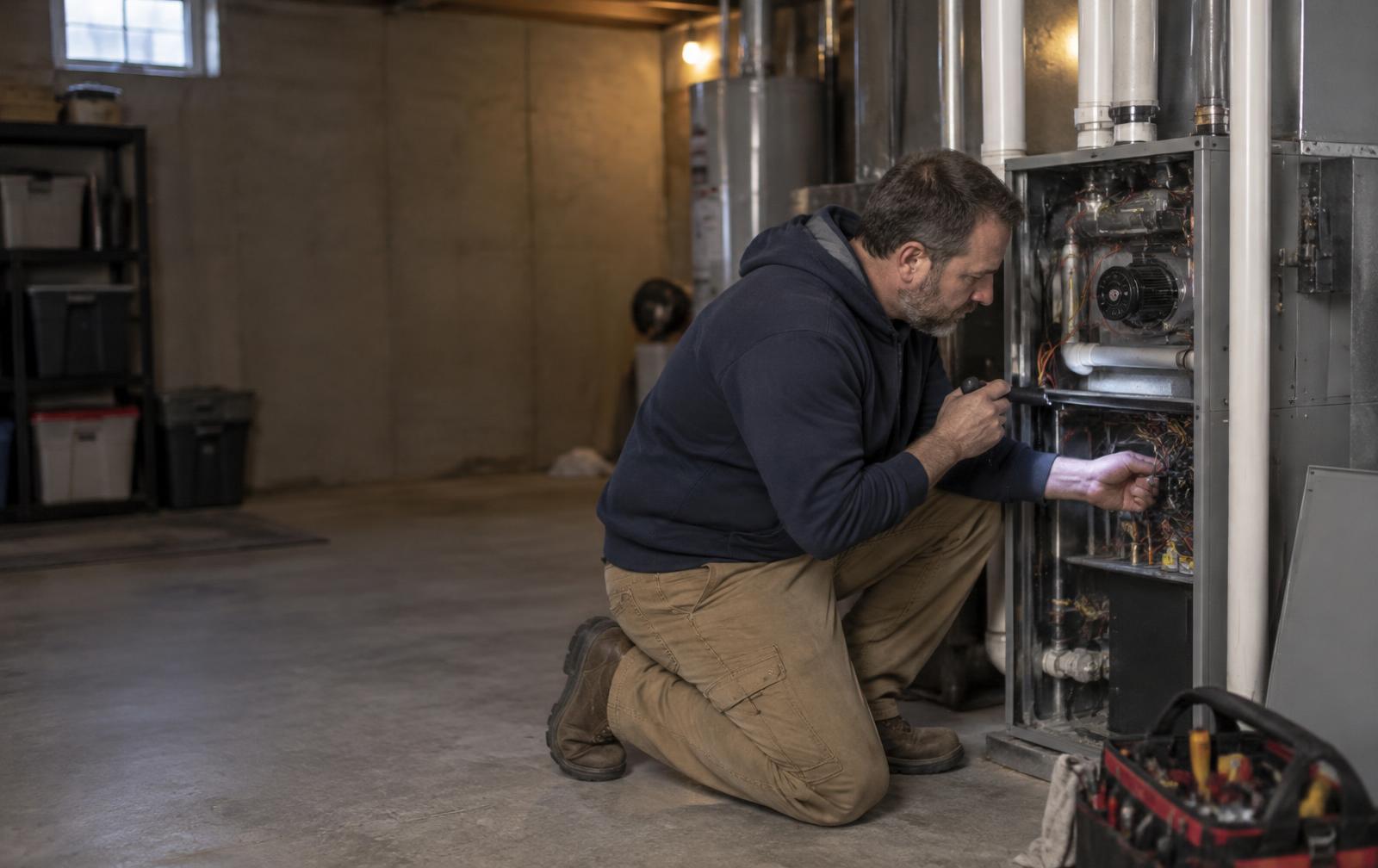
Meet Jeff.
Main Street Heating & Cooling · Family-owned · Residential HVAC
Set up once
Jeff doesn’t connect a calendar or replace the tools he already uses. He simply tells ABC which requests are worth a call.
Broad Lead Windows—not live availability. Jeff prefers weekday afternoons and always confirms the actual appointment himself.
Jeff’s Lead Windows
These windows tell ABC when a call is welcome. They never promise that Jeff is available, and they never create a booking automatically.
Jeff says evenings Monday through Wednesday. That’s enough. No calendar integration required.
ABC asks. Jeff always makes the final call.
When a request matches
ABC handles the qualification and context. Jeff only needs to decide whether the job fits his business and schedule.
STEP 01
STEP 02
STEP 03
“Hi Jeff, this is ABC calling on behalf of your local Chamber. A resident needs furnace service Monday afternoon. The unit is clicking and not producing heat. Can you take it?”
Illustrative call—not an active control. Jeff’s answer determines what happens next.
STEP 04
The member stays in control
See how the same workflow can live on a member’s own website, with that member receiving first priority.